What's new in Q1 2025
- Introducing Prompt Studio
- Generative AI and AI agents in workflows
- LLM deployment
- LLM connection management
- Operator to call endpoints
- Improved navigation of cloud storage contents
- Workload history
- Project-specific coding environments
- Improved UX for notebooks
- GPU support for Workspaces
Introducing Prompt Studio
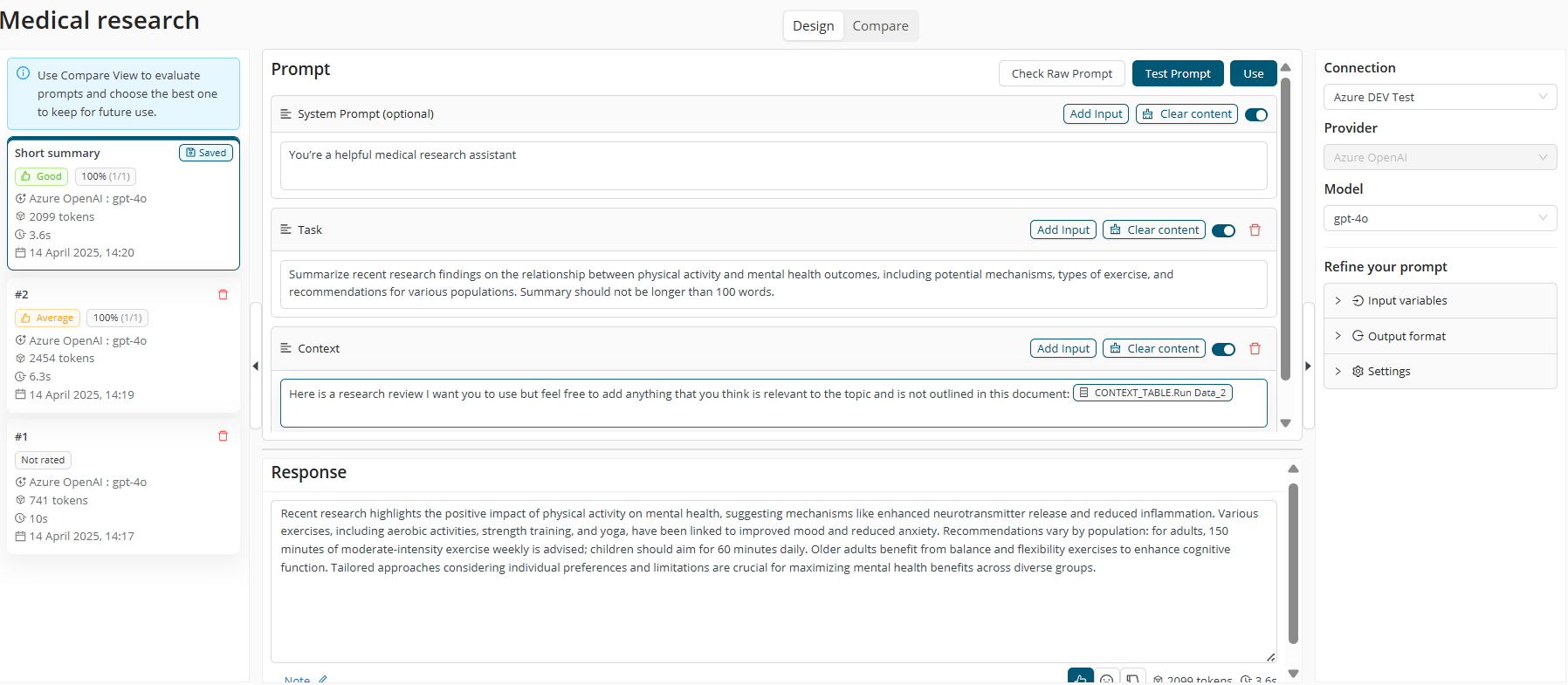
Engineer prompts for high-quality LLM applications in our new Prompt Studio interface, and easily re-use these prompts in workflows.
Our integrated prompt engineering tool enhances the AI Cloud platform by centralizing and streamlining prompt development, allowing users to craft high-quality LLM applications by fine-tuning prompts and integrating them into workflows. Read more
Generative AI and AI agents in workflows
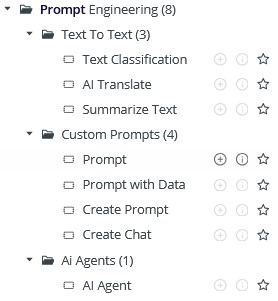
Use pre-configured operators to leverage LLMs and build agents in visual workflows, allowing to interact with and execute various tasks on the platform automatically.
Prompt operator and Agent operator available in Workflow Designer under Prompt Engineering folder. This collection of operators includes the pre-configured and the configurable ones. Read more
LLM deployment
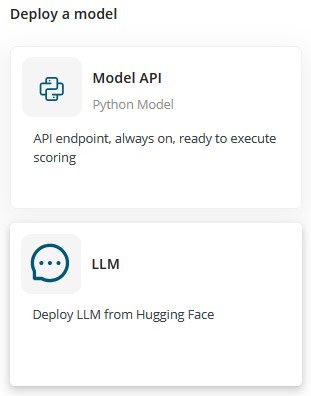
Easily deploy public and private Hugging Face LLMs as REST API endpoints, and use them in workflows.
Integrate both public and private Huggingface models into projects with ease, by deploying them and build workflows around them with the Prompt and Agent Operators (for this you'll need a working LLM connection). Read more
LLM connection management
Centrally manage and share connections to both locally deployed and external API-based LLMs, and re-use connections in Prompt Studio and workflows.
Prompt Studio and Agent operators are built to be LLM agnostic, meaning you can work with any LLM via the LLM Connection. Note: for your local LLM deployments, the connection will be automatically created, this is coming with our next release soon. Until then you have to manually create it. Read more

Operator to call endpoints
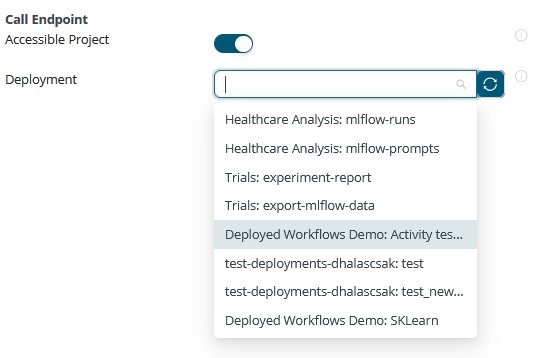
Easily connect to REST API deployments within and outside of AI Cloud. Select accessible deployments via a dropdown parameter, or manually add API details as needed.
Call Endpoint operator was added to Workflow Designer to simplify calling any API deployments within your workflow. The parameter dropdown helps to find what is accessible to you across projects, but you can add details manually if you want.
Improved navigation of cloud storage contents
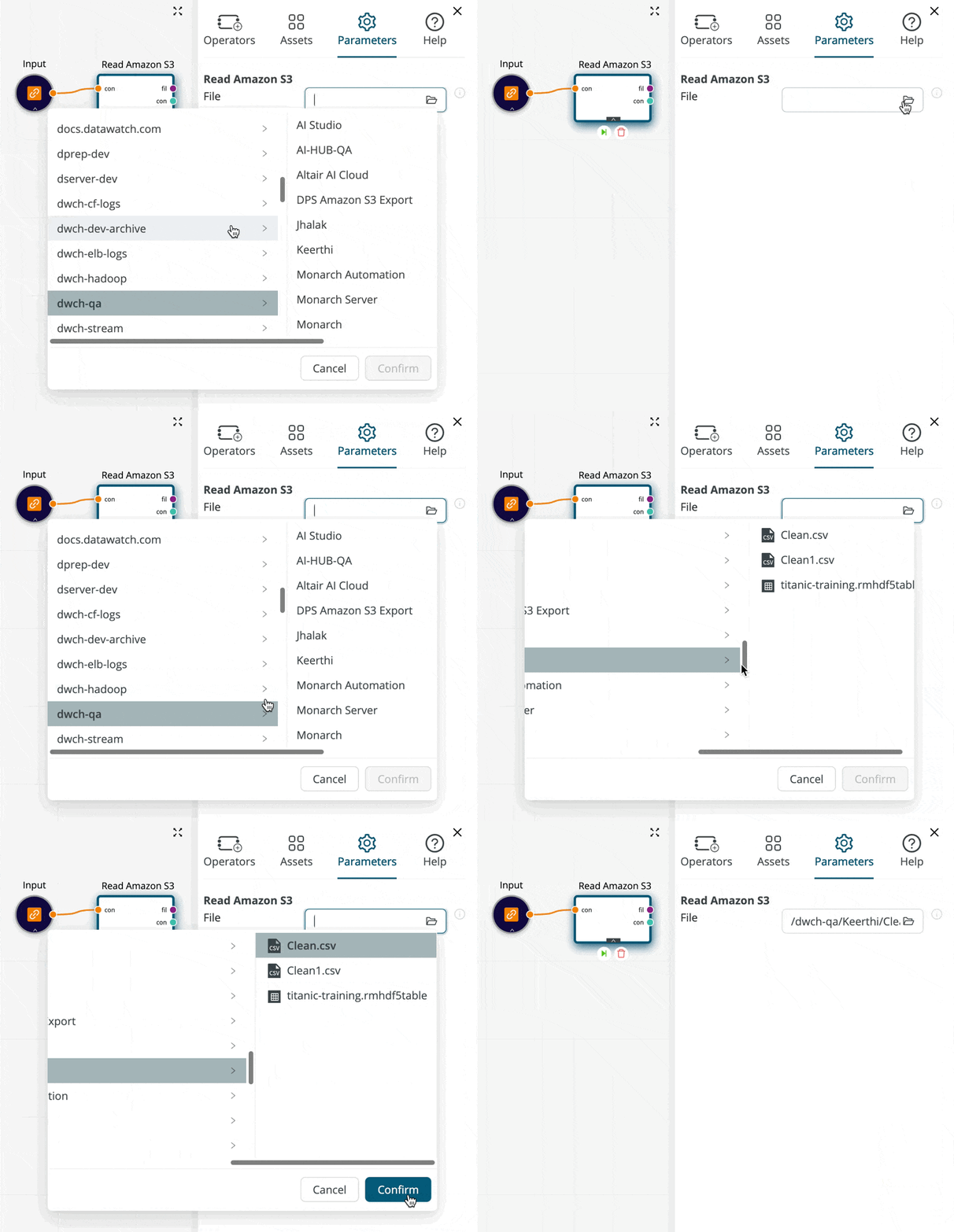
Browse and select files from cloud storages such as AWS S3, Google Cloud Storage, Azure Blob Storage and Sharepoint more easily, removing the need for entering file paths manually.
Workload history
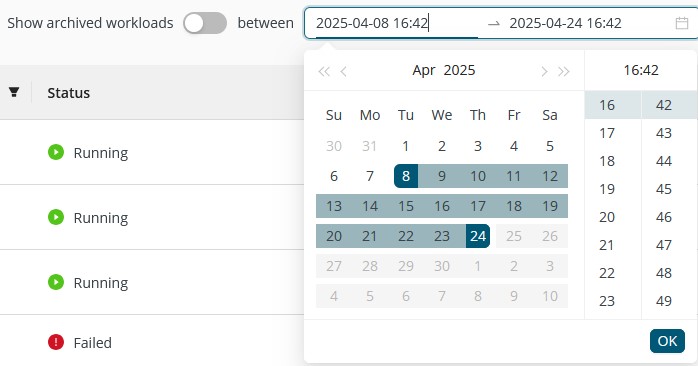
Inspect past workloads in addition to monitoring actively running workloads. Flexibly filter workloads by time ranges and investigate potential issues by the checking logs of all past workloads (for the last 60 days).
Project-specific coding environments
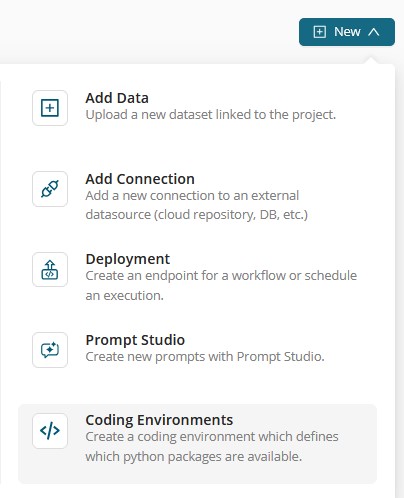
Create Python coding environments for specific projects, helping to experiment faster without consulting admins.
Improved UX for notebooks
Benefit from automatic loading of the associated project and its contents when starting new notebook instance.
Future Notebook enhancements: We’re expanding our code capabilities. Notebooks will be integrated into Workspaces and support configurable resources, including GPUs.

GPU support for Workspaces
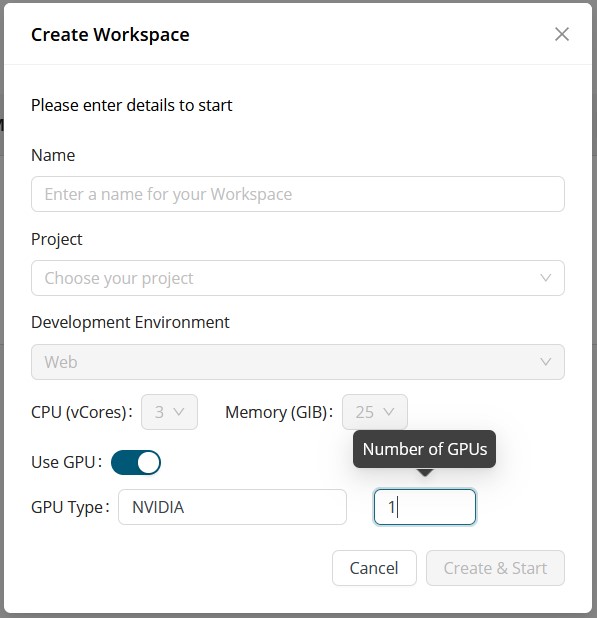
Leverage GPUs when developing code in the integrated code development environment.