What's new in Q3 2025
- Enhanced AI Agents
- Autoscaling for REST API deployments
- Model registry for model lifecycle management
- Unified workspaces
- Enhanced connectivity
- Improved data and object visualization
- Improved UX for Prompt Studio
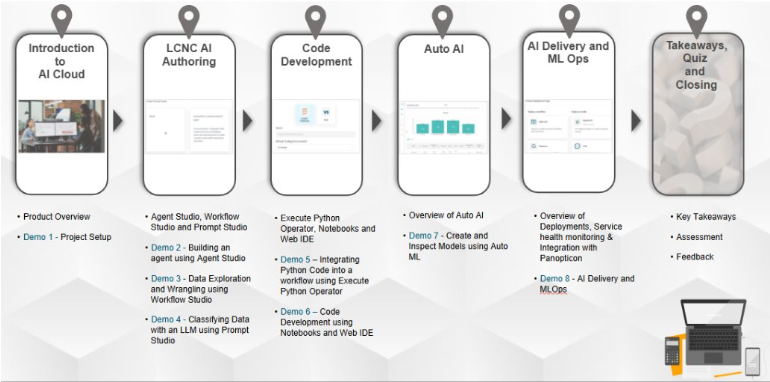
- New "Getting Started with AI Cloud" courseware
Enhanced AI Agents
- Extract Data component to extract and parse JSON elements
- Webhooks to start Agent Studio flows
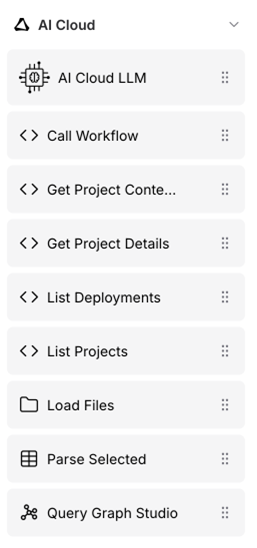
- New custom components to interact with AI Cloud
- Run Flow component to execute subflows
- Executing SPARQL queries and retrieve data from Knowledge Graph
- More 3rd party components
- Upgrade to Langflow 1.4.3
- Improved Workflow calling
Autoscaling for REST API deployments
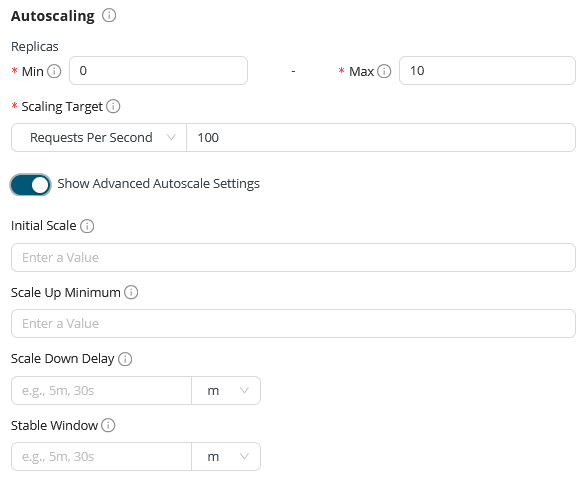
During the deployment creation process, Autoscaling section is filled with default settings, can be customized as needed. Metrics like minimum and maximum replicas and scaling metric that controls it. Read more
Model registry for model lifecycle management
From the new Model Registry menu, create models, upload versions and deploy the selected ones. This first version only supports model upload, next we will release the operators that connect Workflow Studio with Model Registry. Read more

Unified workspaces
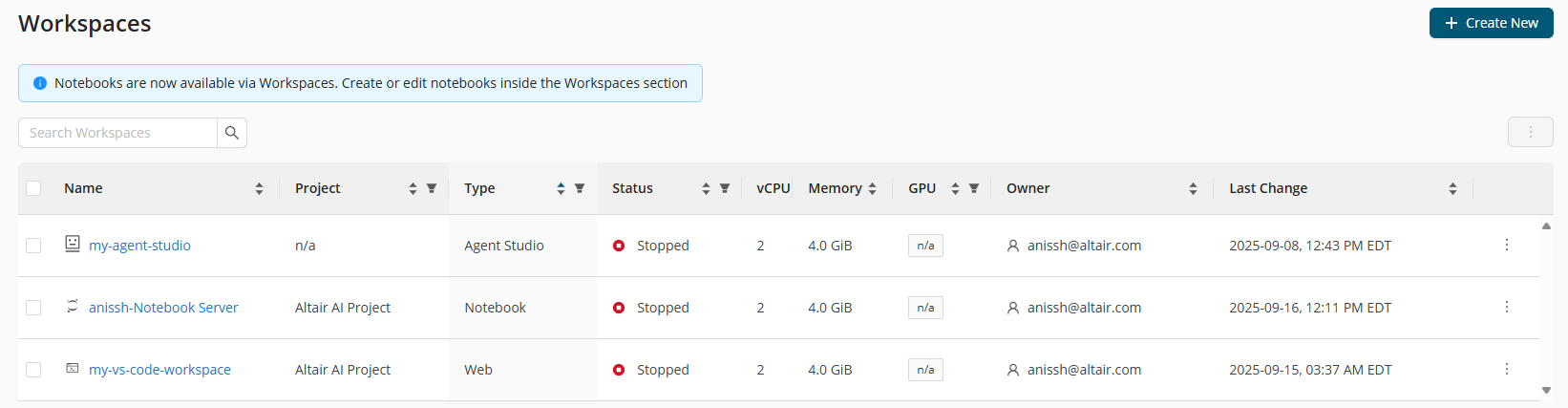
- Workspaces provide different development environments for users, allowing them to configure resources as needed. We now include Agent Studio, along with Jupyter Notebooks and Web IDEs (VS Code).
- In the future, we plan to add Workflow Studio to Workspaces, bringing different authoring modalities under one roof.
Enhanced connectivity
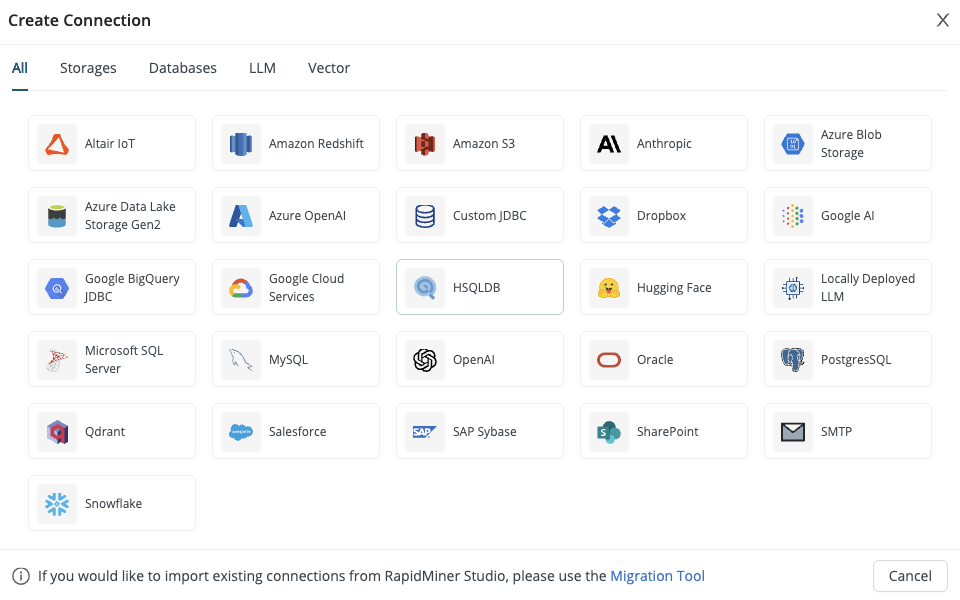
The new "Create Connection" dialog displays all available connection options, allowing users to see the full range of integrations we offer. Additionally, we have added SMTP connection capabilities, enabling users to send emails from Workflows using the Send Mail operator.
Improved data and object visualization
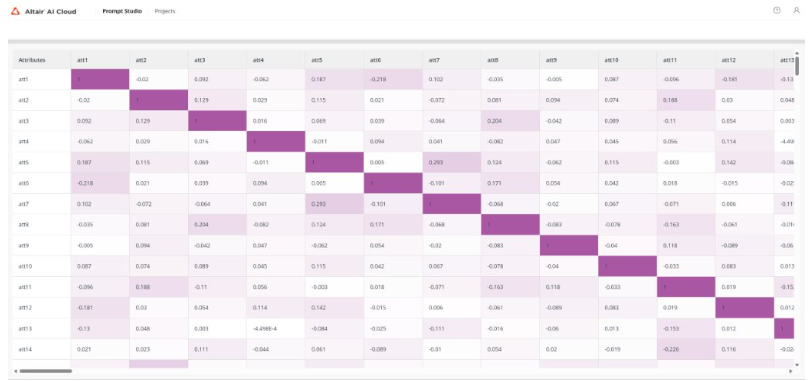
Use color intensity and cell values to quickly spot strong positive or negative correlations in your output.
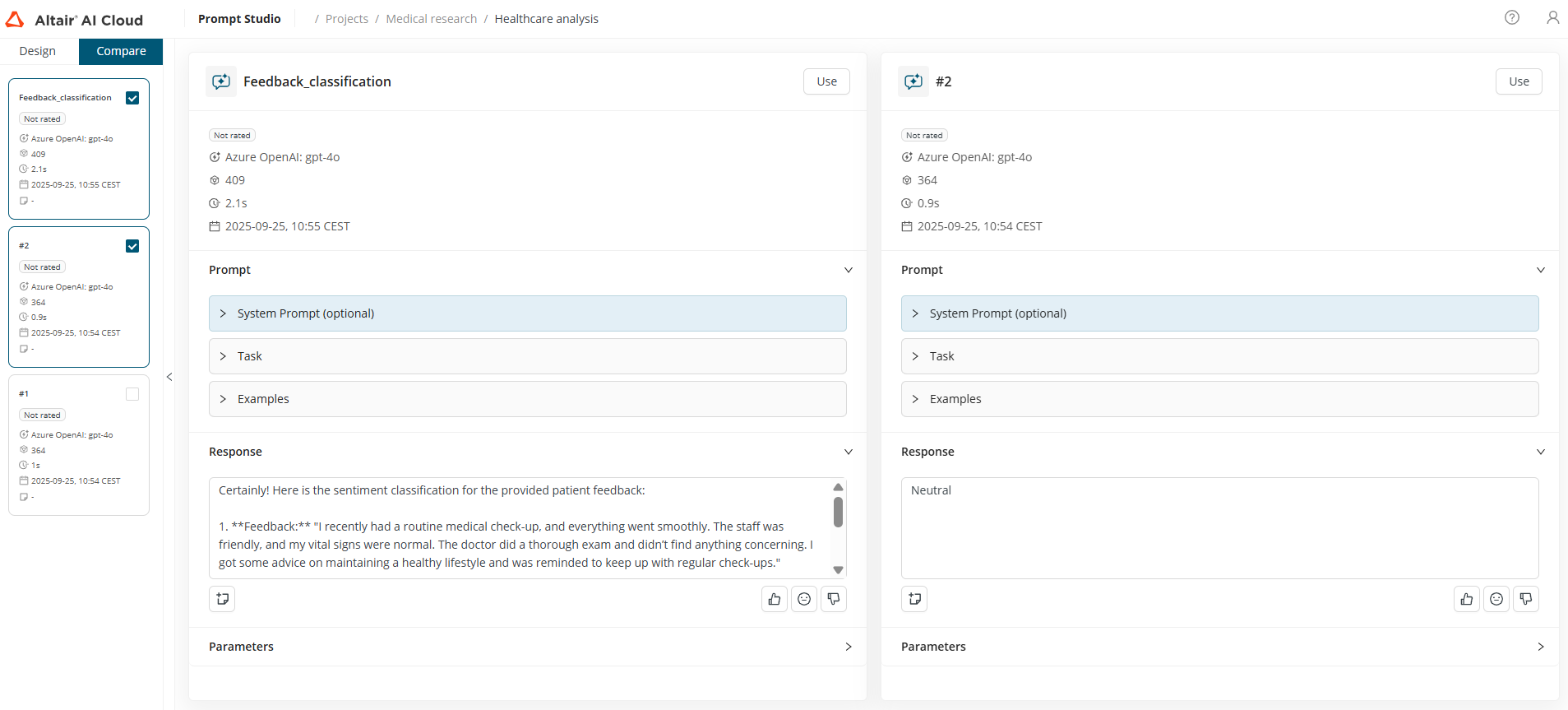
Improved UX for Prompt Studio
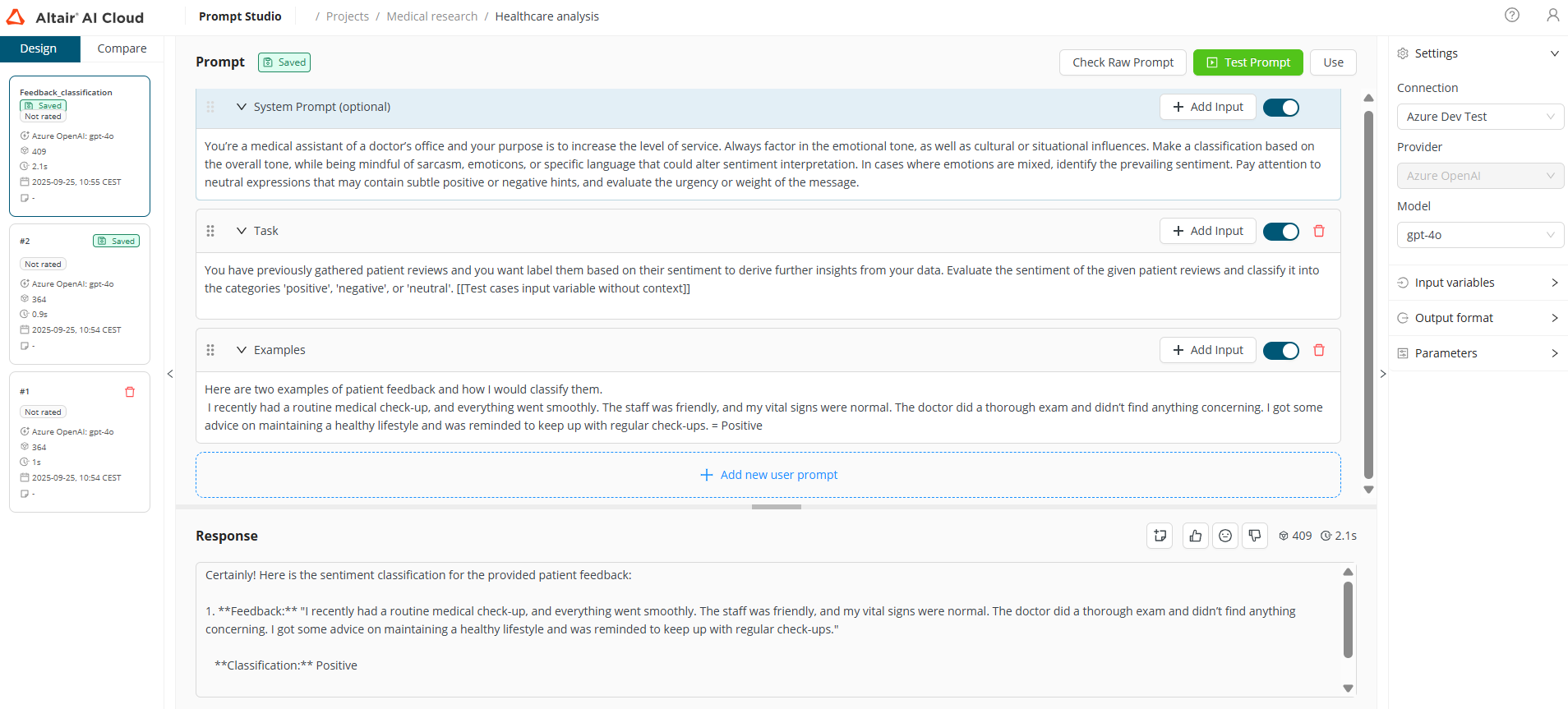
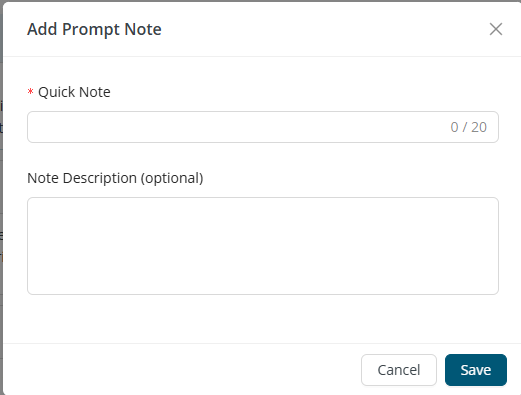
Refine your prompts with a cleaner UI. Stay organized by managing notes directly within prompts. Iterate seamlessly with drag-and-drop blocks and a clearer compare view.
New "Getting Started with AI Cloud" courseware
Learn navigating the platform, building projects and workflows, using LLMs and AutoML, deploying models, and integrating with external tools – through hands-on demos, activities, and quizzes. Read more