What's new in Q3 2026
- Extension Management - Versions
- Data table improvements
- UX polish & reliability: What's new in Workflow Studio
- New Snowflake connection
- Inactivity shutdown of workspaces
Extension Management - Versions
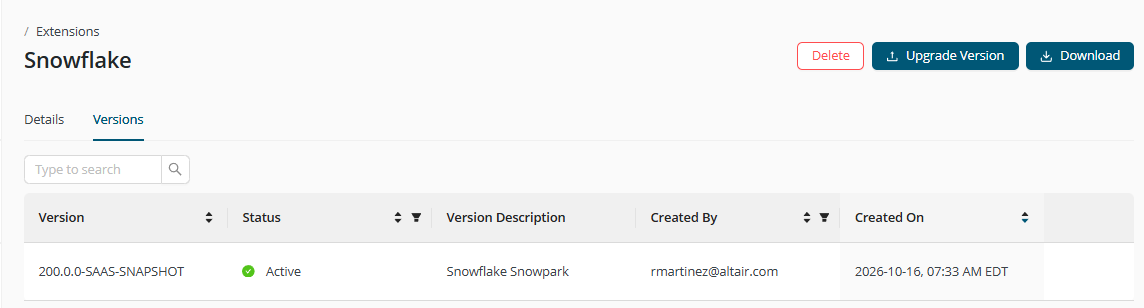
Extension management allows managing multiple versions of the extensions in the tenant. Users get auto-upgraded to the latest version, while admin can choose which versions to activate. With the versions support, governance of what extensions and which versions is used, is much easier.
- The versions view is now enabled for all extensions by default.
- Admin can see each versions and can activate them if required.
- Only extensions marked as active are loaded and available to use in Workflow Studio.
Data table improvements
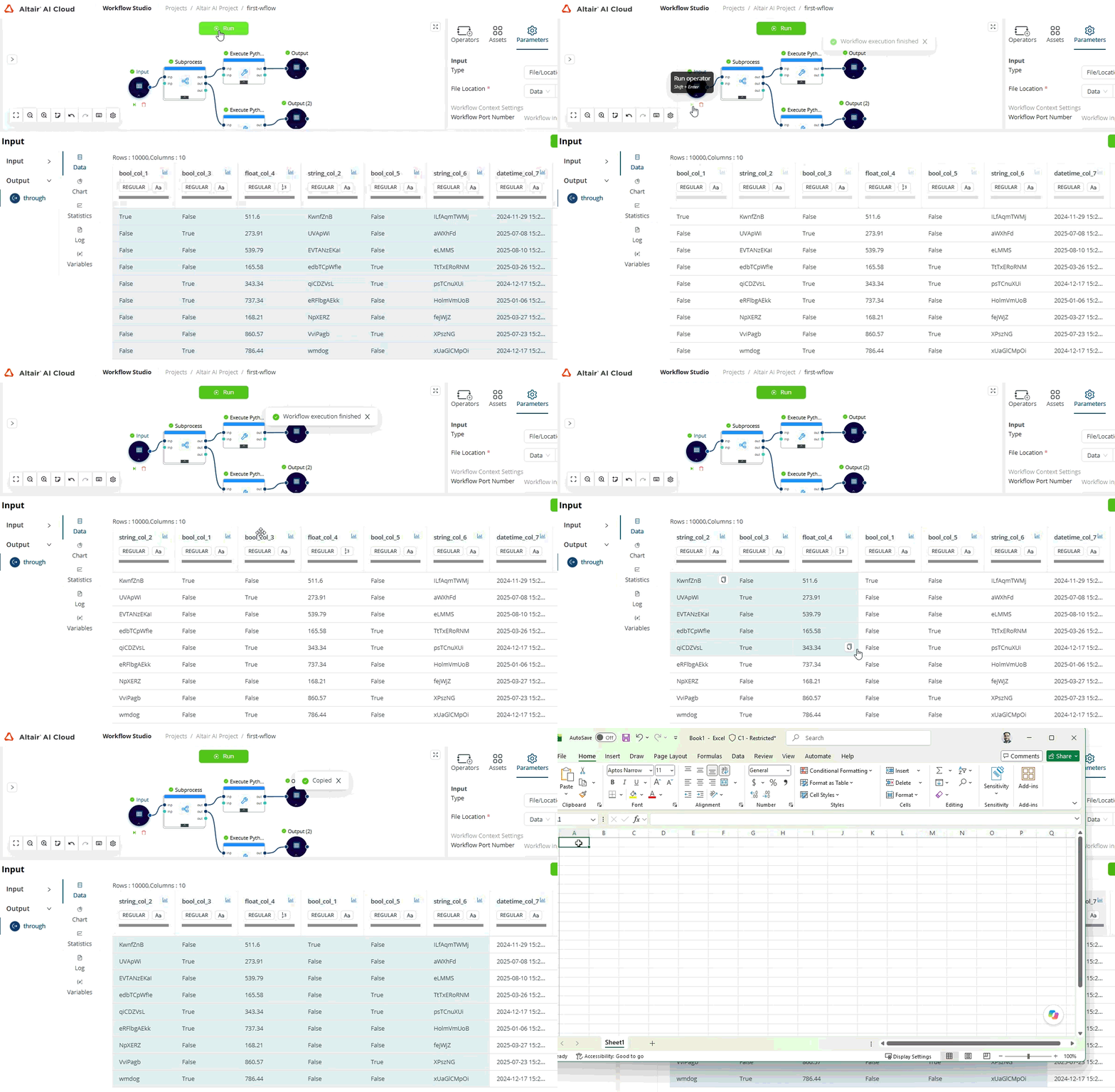
More productivity improvements for the users when working with the data tables in Workflow Studio:
- Re-arrange columns by dragging them
- Copy the selection to other apps
- Manual column resizing
UX polish & reliability: What's new in Workflow Studio
Enjoy a cleaner, highly consistent canvas with standardized operator styling, aligned ports, and clear group color coding. Save cloud resources with automatic inactivity shutdowns, eliminate auto-connection and attribute-refresh glitches.
- Shortcut info in tooltips: Action tooltips now show secondary keyboard shortcuts in italicized, aligned with the Shortcuts modal.
- Smarter auto-connection: New operators only auto-connect if an operator is actively selected on the canvas, whether dropped or added via +.
- Operator visual refresh & color coding: Standardized icon alignment, border thickness, and updated operator group colors.
- Data panel port highlight: Active ports in the Data panel now feature a clear visual highlight.
- Operator port alignment: Properly aligned ports on non-input/output operators so they line up cleanly with input/output operators.
- Attribute refresh & autocomplete: Attribute selection fields now instantly refresh when connecting executed (green) ports, and autocomplete triggers on the first keystroke.
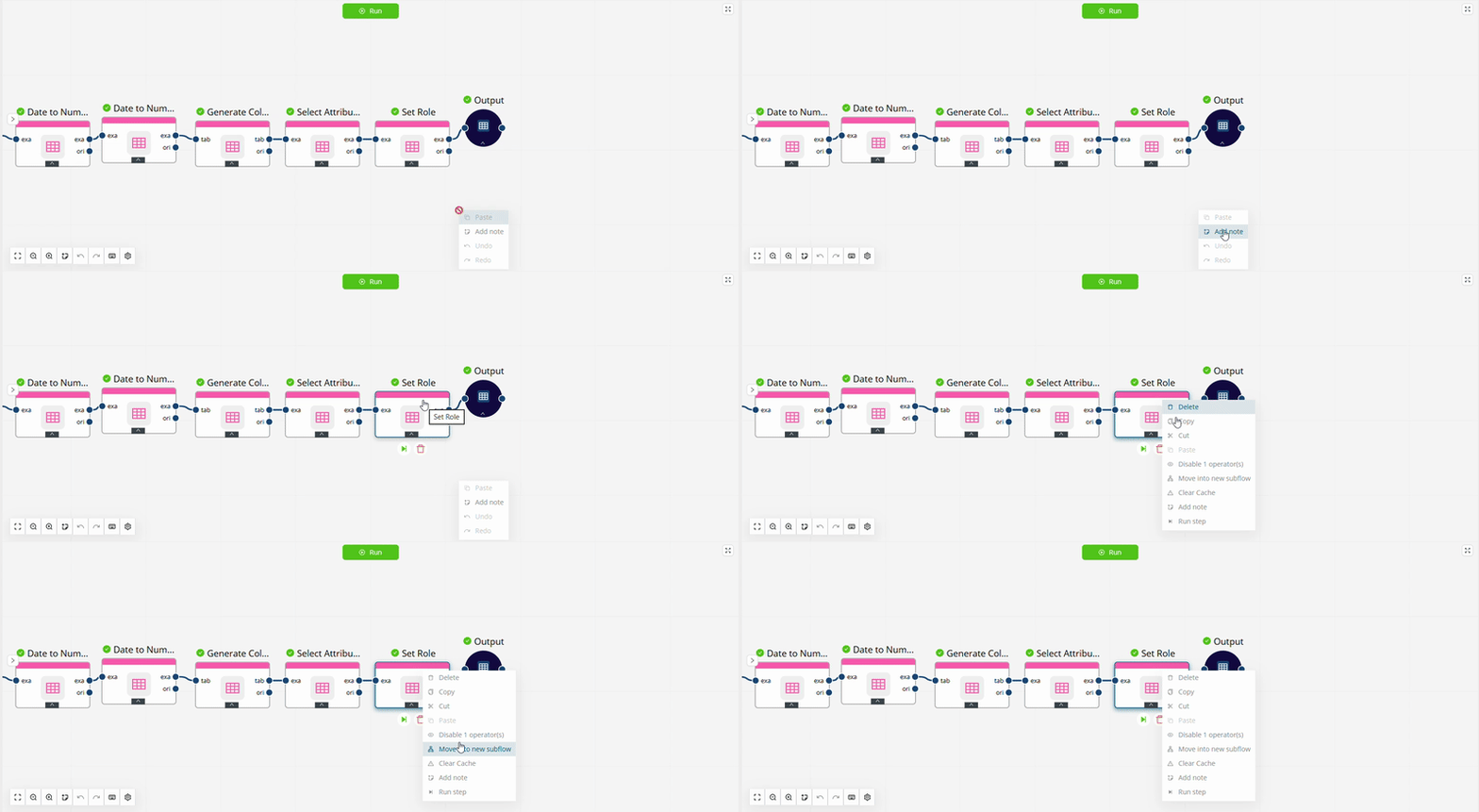
- Context-aware right-click menu: Right-click menus now smartly adapt to whether you click a selected operator, an unselected operator, or the empty canvas.
- Inactivity shutdown: Workspaces automatically shut down when idle to save cloud resources. To save cloud resources, we stop any Workspace that has been idle for 16 hours. You can restart it at any time, and your files are kept.
New Snowflake connection
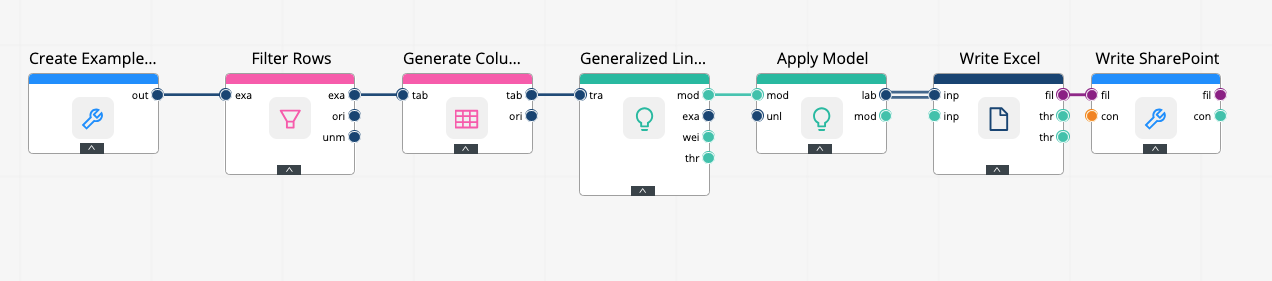
Browse schemas and tables faster, write data to Snowflake warehouse more efficiently.
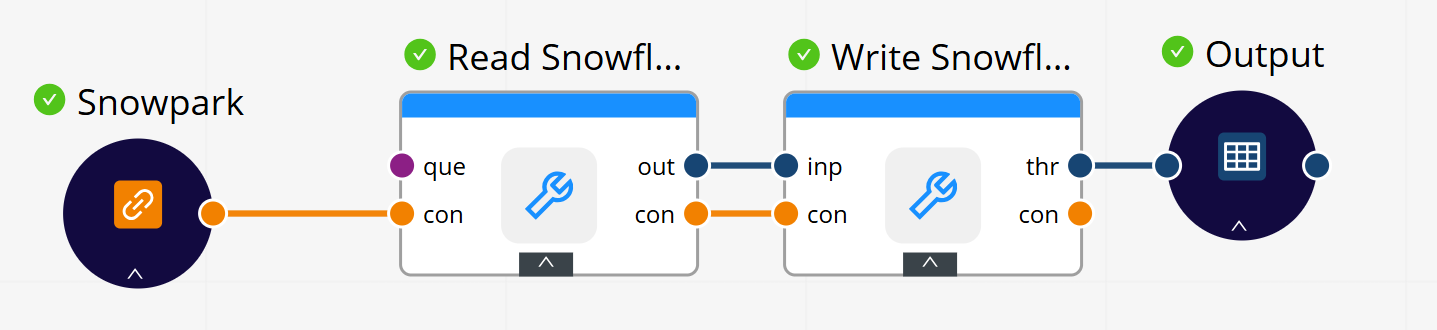
- New Snowpark-based connection: A new Snowflake connection built on Snowflakes Snowpark API is available alongside the existing JDBC connection. It works with the Read Snowflake and Write Snowflake operators.
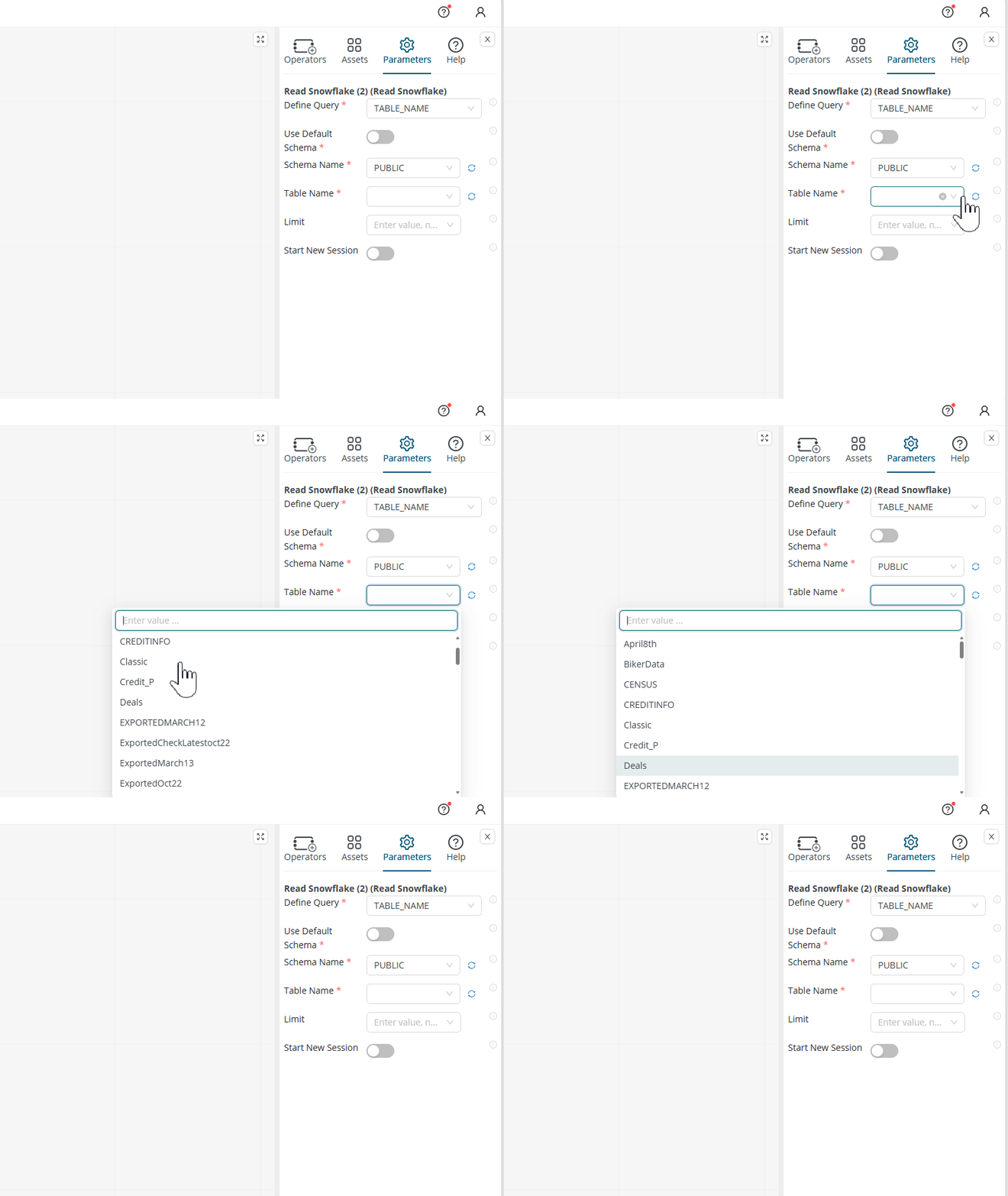
- Faster metadata browsing: Databases, schemas and tables load faster when you pick them in operators.
- Efficient sessions and uploads: Sessions are pooled and reused, and data is streamed to Snowflake when writing.
- Effective process cancellation: Stopping a process also cancels the query running in Snowflake, so the warehouse stops using credits.
- Familiar authentication options: Key pair (default), OAuth through a Value Provider, and programmatic access tokens (PAT) are all supported, as in the JDBC connection.

Inactivity shutdown
To save cloud resources, we stop any Workspace that has been idle for 16 hours. You can restart it at any time, and your files are kept.