Connect to your data
Create a connection
To create a workflow in which you read from or write to an external data source, you must first create a connection.

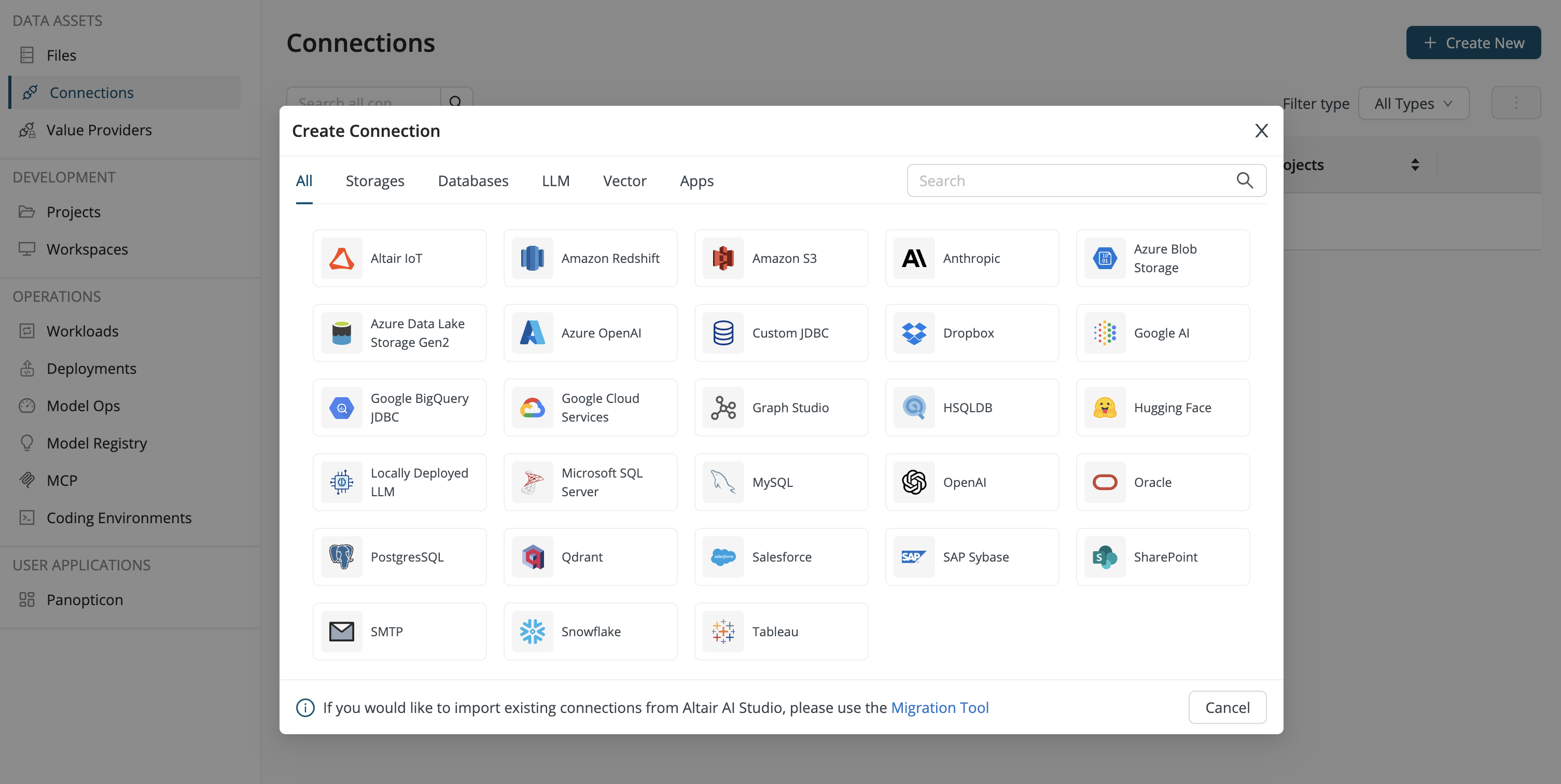
You can create a connection using the Create New button found under Data Assets > Connections.
- If you create a connection from within a project, the project is the owner.
- If you create a connection from within the global view, you are the owner.
Then choose one of the alternatives provided by the dialog.
If your external data source (external to Rapidminer® AI Cloud) lives inside an internal network (e.g., your company intranet), you should also read Use a VPN to connect to an internal network.
What is a connection?
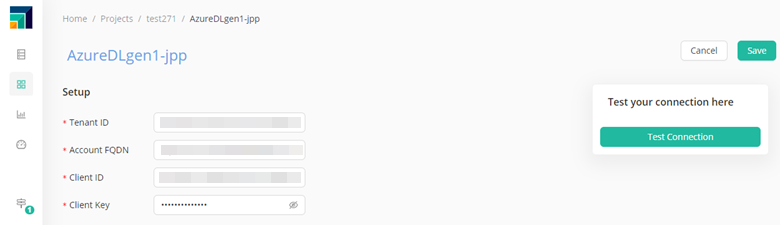
A connection is an object that contains the information you need to connect to a particular external data source. This information may include:
- keys and secrets for a cloud repository,
- credentials for a database, or
- a token for sources based on cloud authentication.
If you want to use data from an external source, you first need to create (or ask your administrator to create) a connection.
How to use a connection
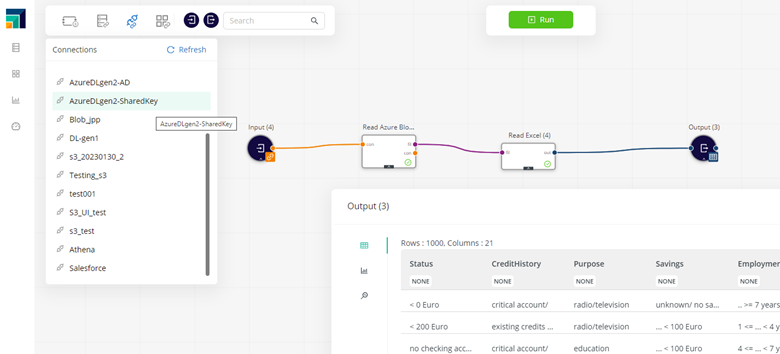
Connections can be dragged and dropped into a workflow, and attached to the corresponding read or write operators. The read, write, and loop operators automatically use the connection details to work with the data as if it were local.
Supported data sources
You can create connections to a variety of data sources, including the following:
- In-Database processing
- SQL databases (JDBC)
- Amazon S3
- Azure Blob
- Azure Data Lake (Gen2)
- Dropbox
- Google Cloud
- Graph Studio
- Insights Hub
- Large Language Model
- Salesforce
- Sharepoint
- SMTP
This list will grow as we add support for more types.
Use a VPN to connect to an internal network
To configure the VPN, you need to have the admin role.
If there is a need to connect to databases inside internal protected networks, the best option is to configure a VPN that links the Rapidminer AI Cloud network to the internal one.
It works this way:
-
The customer's tenant administrator configures an OpenVPN network in Rapidminer AI Cloud.
-
Users configure their database connections to use the VPN.
-
When a database connection is activated using the VPN, a VPN process is launched, and the connection can read data from the internal database.
-
Once the workflow is complete, the VPN process is closed.
Configure a database connection to use the VPN
Once the tenant admin has added the VPN configuration, it becomes available to users. When users go to their connections, they will find a new VPN switch.
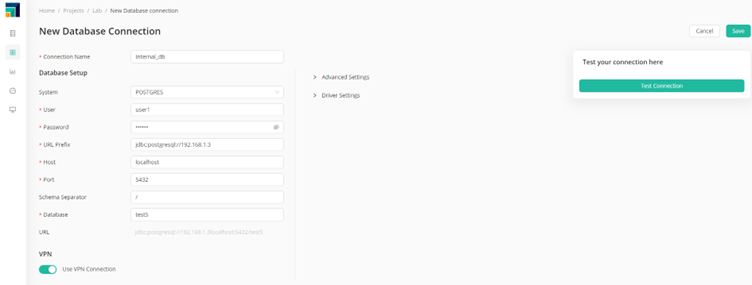
The connection will use the VPN once the switch is activated.
How it all works together
When the user has activated the VPN switch in a connection, then the VPN will be run together with any workflow including that connection.
Take this simple workflow that reads from an internal database, does some ETL, then writes back.
When the workflow is executed, be it within Workflow Studio, using a schedule or a deployment, the container running the workflow will also include what's called a sidecar container (in the Cloud Kubernetes infrastructure). That sidecar container runs the VPN, which connects to the customer's VPN server, allowing connections to the internal databases.
Once the workflow is complete, the VPN client is shut down, which means that the VPN is only kept while strictly necessary.